Local-first nutrition tracker — your food log stays on your phone
What a private calorie tracker looks like in practice: on-device storage, no account, no ad SDKs — and the tradeoffs stated plainly. Updated July 2026.
The short answer
BodyDex stores food logs, weight, recipes, workouts, and protocol logs in a local SQLite database on your device. No BodyDex account is required for core tracking, and there is no centralized database of user food entries. AI features send only the photo or question for processing — photos aren't saved server-side or used to train models — and the app ships with zero ad SDKs. The tradeoffs are real too: no multi-device sync yet, and deleting the app wipes local data irrecoverably, so export (Profile → Export Data, JSON or CSV) before any reinstall.
What local-first actually means
Your data lives in on-device SQLite
Food logs, weight history, recipes, workouts, and protocol logs are stored in a local SQLite database on your phone. That's not a marketing abstraction — it's a database file on your device, not a row in a vendor's cloud.
No account required for core tracking
You can log food, weight, workouts, and protocols without creating a BodyDex account. A tracker that demands an email before your first entry is building a profile of you; a local-first one doesn't need to know who you are.
No centralized database of your food entries
There is no server-side BodyDex table of what you ate. Your log can't be sold, subpoenaed from us, or leaked from our infrastructure, because it isn't in our infrastructure.
AI features send only the photo or question
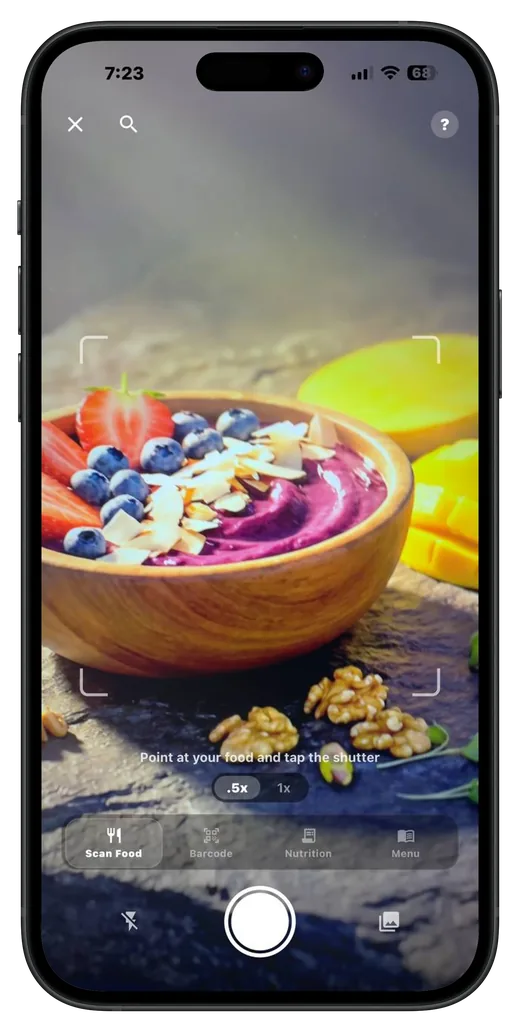
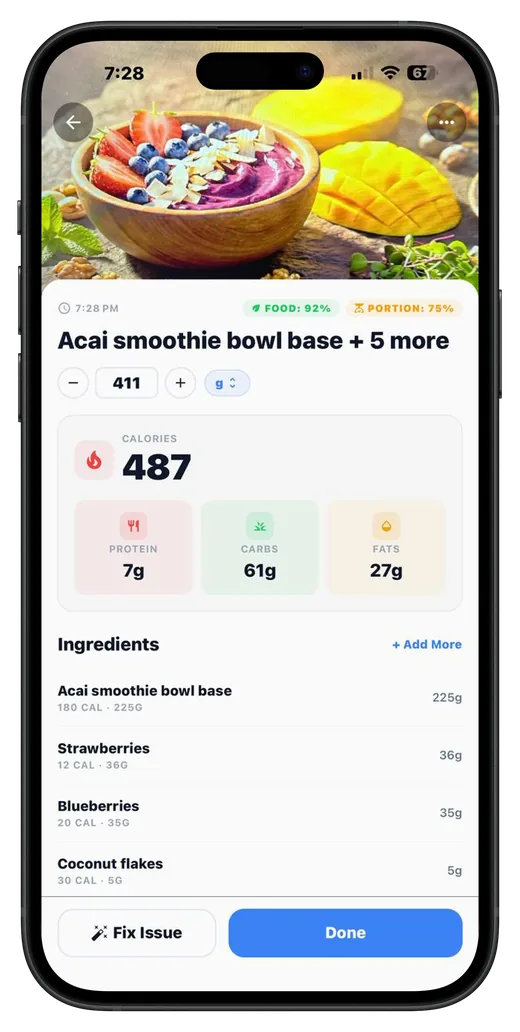
When you use AI photo scanning or the coach, only the photo or the question is sent for processing. Photos aren't saved server-side and aren't used to train models — the answer comes back and lands in your local database.
Zero ad SDKs
BodyDex ships with no advertising SDKs. Nothing in the app is instrumented to build an ad profile from your eating habits, weight, or protocols.
Export and delete are yours
Export your data as JSON or CSV from Profile → Export Data any time. Delete everything from Profile just as easily. Local-first means the data is yours to take or destroy — no support ticket required.
The honest tradeoffs
No multi-device sync today
Because your data lives on one device, it doesn't follow you to a second phone or tablet automatically. Sync is on the roadmap; until then, one device holds the log, and exports are how you move data.
Reinstalling or deleting the app wipes your data
There's no cloud copy to restore from, so deleting the app deletes the local database irrecoverably. If you're about to reinstall, switch phones, or wipe the device — run Profile → Export Data first, every time.
Backups are on you, not us
There is no BodyDex server copy to restore from. On iOS your data can ride along with device backups depending on your settings; the Android build opts out of OS backups entirely. Either way, periodic exports are the reliable belt-and-suspenders move.
How to back up your data
1Open the Profile tab
Your data controls live in Profile — no settings maze, no support ticket.
2Tap Export Data
Choose JSON (full structured export) or CSV (spreadsheet-friendly). The export covers your logs — food, weight, recipes, workouts, protocols.
3Save the file somewhere you control
Files app, cloud drive, email to yourself — anywhere off the phone. This file is your backup; BodyDex has no server copy to restore for you.
4Repeat before any reinstall or phone switch
Deleting or reinstalling the app wipes the local database irrecoverably. Export first, every time. To erase everything on purpose, use the delete option in Profile.
FAQ
What does "local-first" actually mean here?
Your food logs, weight, recipes, workouts, and protocol logs are stored in a SQLite database on your device. Core tracking works without a BodyDex account, and there is no centralized server-side database of user food entries. It's an architecture statement, not a slogan.
Do AI features break the privacy model?
AI features are the one place data leaves the device, and the scope is narrow: only the photo you scan or the question you ask is sent for processing. Photos aren't saved server-side and aren't used to train models. The result comes back and is stored locally like everything else.
Does BodyDex show ads or use ad SDKs?
No. There are zero advertising SDKs in the app. BodyDex is funded by Premium subscriptions, not by monetizing your eating data.
What happens to my data if I delete the app?
It's gone, irrecoverably. That's the honest flip side of no cloud copy: nothing survives an uninstall except what you exported. Run Profile → Export Data before deleting, reinstalling, or switching phones.
Can I use BodyDex on two devices?
Not with synced data today — multi-device sync is on the roadmap. Right now each install keeps its own local database, and exports are the way to move data between devices.
Is my data encrypted or immune to breaches?
We make architecture claims, not invincibility claims. Your data sits in a local database on your device and inherits your device's protections (passcode, device encryption, your OS backup settings). What we can say factually: a breach of BodyDex servers can't leak a food-entry database that doesn't exist there.